


How to Run Consultations That Feel Truly “On Brand”
Topics
Public engagement is no longer a side activity in urban planning and project development. For many developers, housing associations and town planners, it is now a core part of how you deliver projects, demonstrate accountability, and build trust with communities.
Yet too many consultations still feel like bolt‑ons: generic survey links, websites nested with brittle plugins, off‑the‑shelf forms and pages that can look fragmented and nothing like your main website or project brand. Not to mention the need to go through gatekeepers to make minor changes or access reports.
A consultation that is clearly, confidently “yours” does more than look good. It:
- Builds trust: People are far more likely to engage when a consultation feels official, recognisable and consistent with your other channels.
- Reduces friction: Familiar colours, logos and tone reassure participants that they are in the right place, and that their responses will be taken seriously.
- Tells a coherent story: When your consultation matches your project or organisational identity, people can connect the dots between your plans, your messages, and the decisions you make.
- Supports internal teams: Communications, engagement and project teams can work more smoothly when there is a shared, reusable brand framework rather than a one‑off “survey look” for each project.
Placechangers’ interactive consultation tool has been designed to give you this kind of coherent, trustworthy experience out of the box, without needing a dedicated developer or a complex design process each time.
Branding and Customisation Options in Placechangers
Below is an overview of the key ways you can tailor Placechangers consultations to your organisation or project brand.
Custom domains and URLs
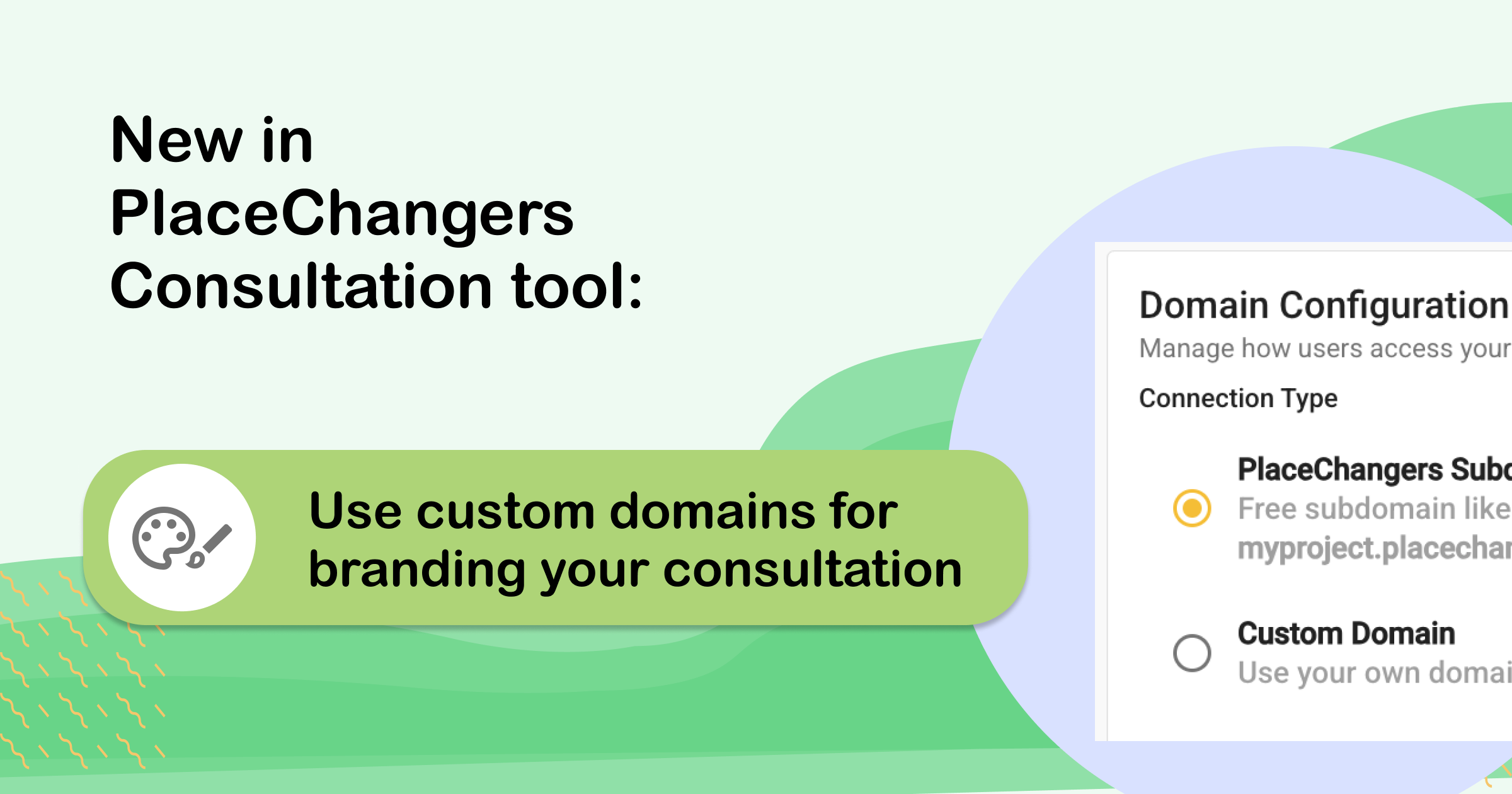
- Use a custom domain or subdomain that matches your main website or project hub, so participants feel they have stayed within your digital ecosystem.
- Create clear, branded URLs for each consultation that can be used on printed materials, QR codes and social media.
Logo and identity
- Add your organisation or project logo so every consultation feels clearly “owned”.
- Configure header branding so the logo, title and navigation match your wider digital presence.
Colours and themes
- Set primary and accent colours to align with your existing brand palette.
- Apply these colours across buttons, highlights and key interface elements for a consistent look and feel.
- Use contrasting colours that meet accessibility standards so consultations are both on‑brand and inclusive.
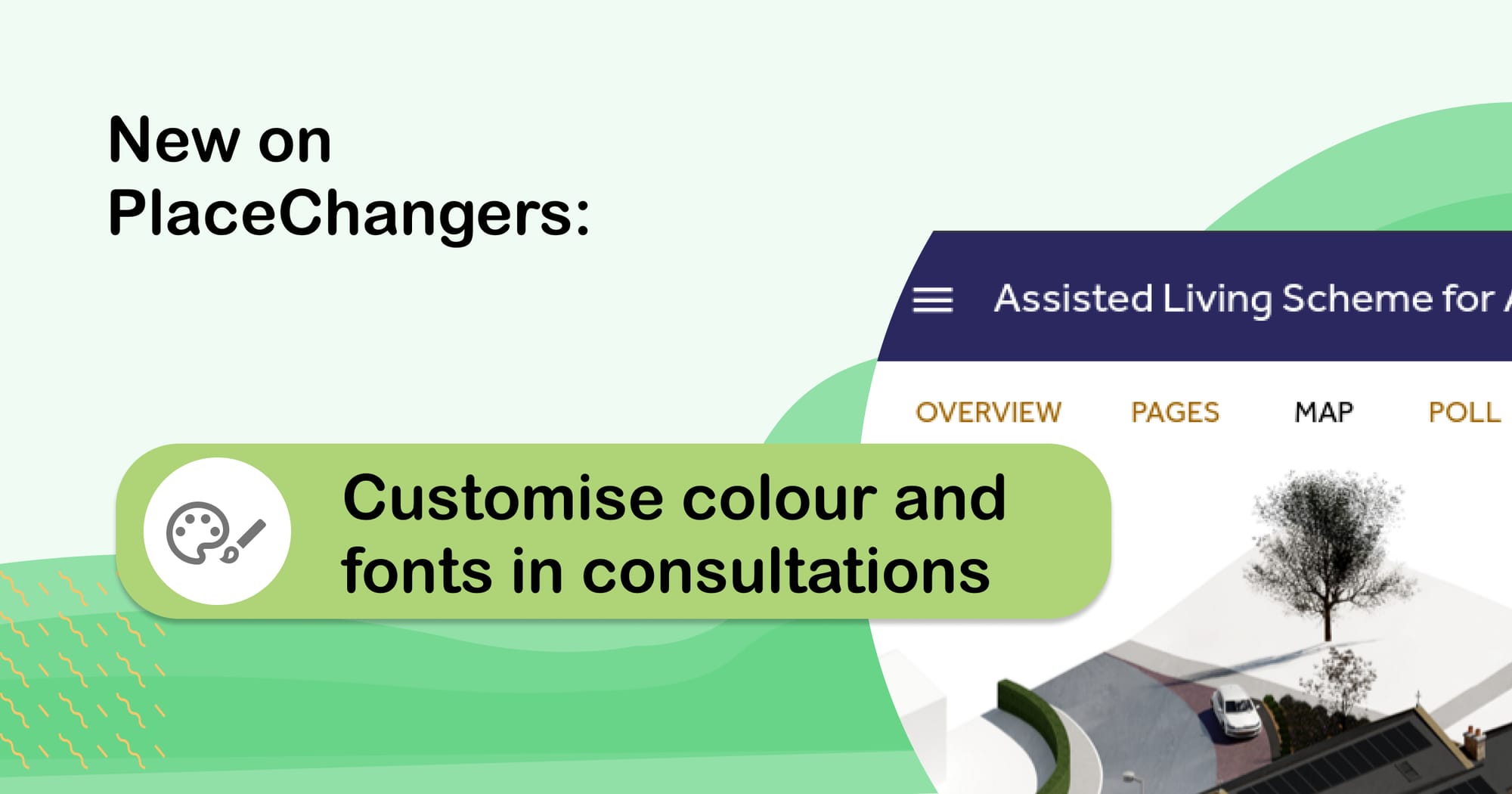
Typography and tone of voice
- Configure heading and body styles to reflect your typography guidelines.
- Use reusable content blocks and templates to keep language, structure and calls to action consistent across projects.
Page layout and content structure
- Arrange content in sections that mirror your usual project narrative (e.g. “Context”, “Proposals”, “Have your say”).
- Add images, maps and diagrams to align with project branding and visual identity.
- Use reusable page templates so future consultations start from a familiar, branded structure rather than a blank page.
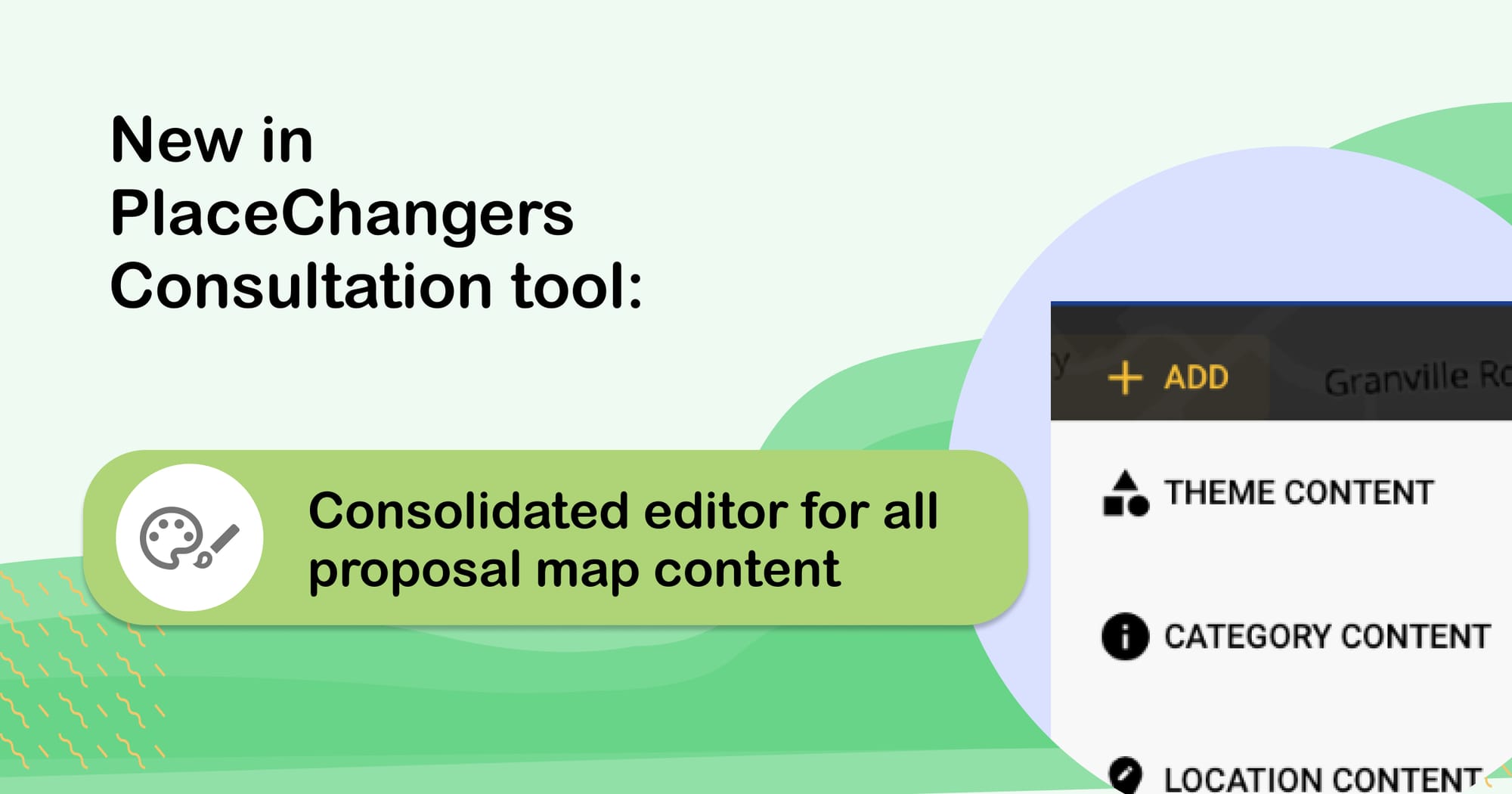
Interactive tools, tailored to your projects
- Configure map‑based engagement tools (such as commenting on locations or drawing on maps) to use your brand colours and icon set.
- Select which tools appear on each consultation so the experience matches your project type (strategies, site‑specific schemes, corridor studies, neighbourhood plans and more).
Forms, questions and response journeys
- Build forms using question types that support your engagement style: structured multiple‑choice, spatial comments, open questions and more.
- Tailor confirmation messages, “thank you” pages and follow‑up information so they reflect your tone and next steps.
- Reuse form structures across multiple consultations to maintain a familiar experience for repeat participants.
Accessibility and inclusion by design
- All public interfaces on PlaceChangers for public consultation (buttons, labels, etc) are designed to ensure focus states and keyboard navigation work with your brand colours and layouts, so you do not have to choose between accessibility and identity.
Bring Your Brand to Life in Every Consultation
A consultation platform should not force you into a generic look and feel. With Placechangers, your organisation or project brand sits at the centre of the experience, from the first landing page to the final “thank you” screen.
If you want consultations that look and feel like a seamless part of your digital presence – and give communities more confidence in the process – Placechangers innovative and intuitive consultation platform can help you get there quickly, whether you are a designer, town planner, or service your client or are part of the client team.
Start your free trial today to see how easily you can create branded, engaging consultations that your teams – and your communities – will recognise and trust.
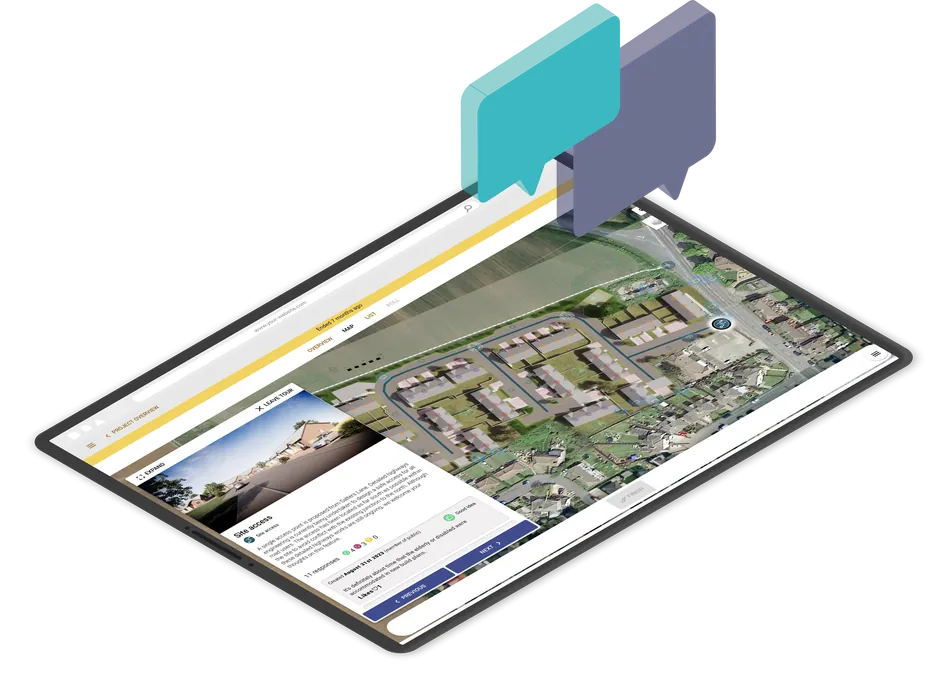
Run interactive community consultations online
Book a demo or start your free trial today.
Start Free TrialGet new articles in your inbox
Subscribe to get more insights like this delivered to your inbox.
Related Articles
From House Types to Housing Evidence: Making Standard Designs Reusable Across Consultations
Enabling housing evidence and better quality designs from resident-feedback on house types.
Managing community consultation across multiple planning projects
The answer is not to make every consultation identical. It is to create a repeatable delivery model that still leaves room for local context.
RIBA Stages 2 to 4: digital community engagement tools that actually help design teams
What digital engagement tools are actually useful once the design starts to take shape?